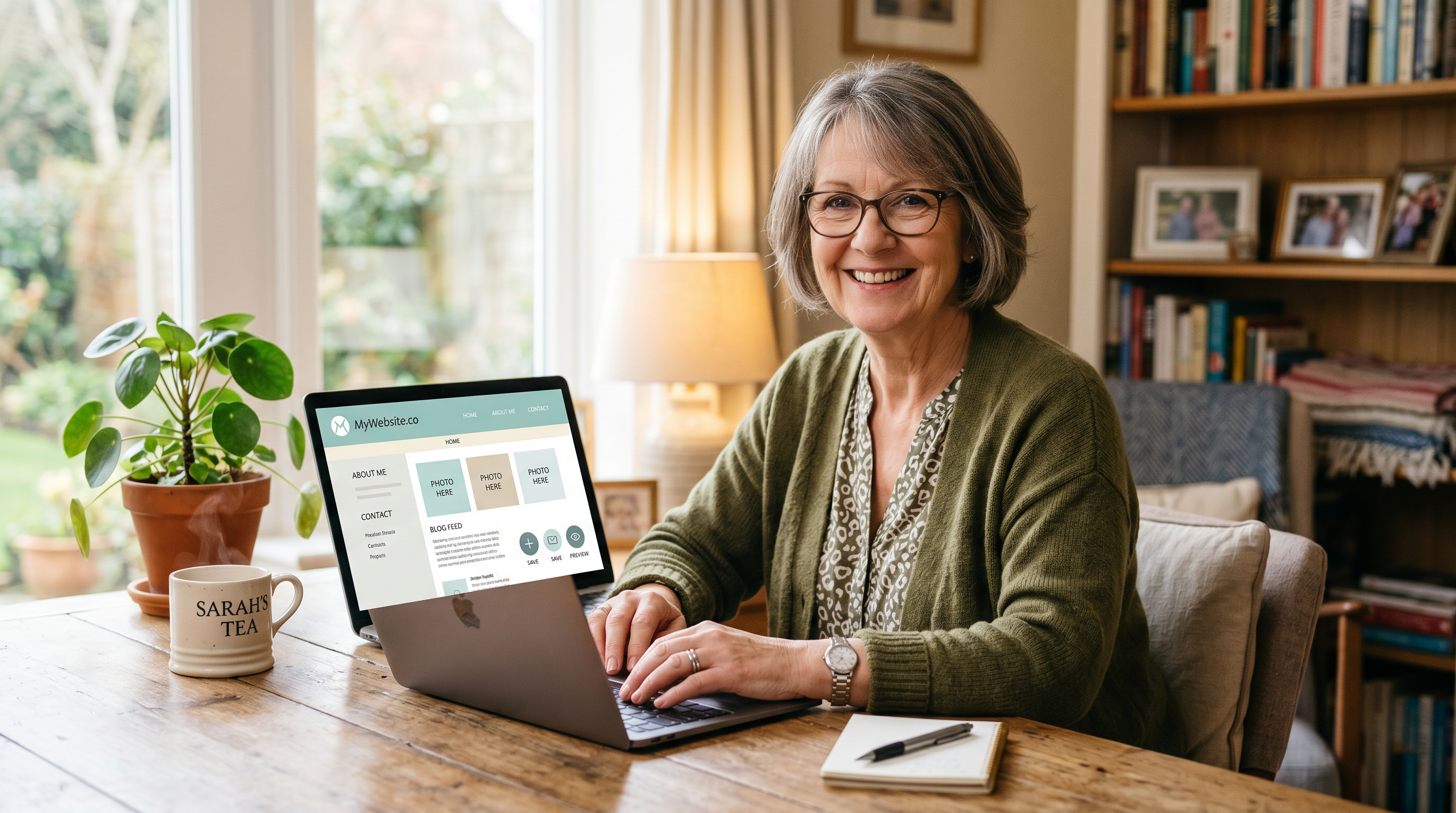
Buildy for Beginners: How to Get Started with Your First Warm Welcome Tutorial
Hello, my dear friends. It's Ms. Boom here, wrapping you in a big, cozy hug. If you're reading this, you're probably sitting at your computer, feeling that little flutter in your chest—the one that says, "What if this tech thing is too much for me?" Oh, sweetheart, I get it. I remember my first dance with computers. Fingers hovering over the keys like they might bite. But guess what? You're not alone, and this Buildy tutorial for seniors is your gentle hand to hold.
If you've joined my 'Build with Ms. Boom' course, welcome back—you're already ahead of the game. If you're brand new, double welcome! This is your warm welcome to Buildy, the sweetest way to make your own website without touching a single complicated button. No codes, no fuss. Just you, chatting like you're at the kitchen table with a friend. Today, we're walking through how to use Buildy step by step. Think of it like baking your first loaf of sourdough: a bit of patience, a sprinkle of courage, and voila—something wonderful rises.
Step 1: Let the Chat Be Your Best Friend
First things first, darlings. Open Buildy. You'll see a chat box right there, smiling up at you. That's your doorway in. Don't type commands or fancy words. Talk to Buildy like you'd tell me about your grandkids or your rose garden.
Here's a real-life example to get you getting started with Buildy. Picture this: You want a spot online for your family recipes. Just type, "I want to start a baking blog for my sourdough recipes." Hit send. That's it. No menus to hunt, no settings to tweak. Buildy listens, just like a good neighbor over tea.
Why does this feel so easy? Because Buildy is built for folks like us—over 55 and fabulous, but maybe a tad shy with screens. Your words spark the magic. Try it now. What do you dream of sharing? Your knitting patterns? Vacation stories? Let the words flow.
Step 2: Watch the Magic Unfold—And Breathe Easy
Now, something wonderful happens. As you chat, Buildy starts building your site right before your eyes. Pages pop up. Pictures appear. Colors swirl into place. It might feel like watching bread dough rise in fast-forward—exciting, but maybe a smidge dizzying.
Don't panic, love. That's normal. It's all happening automatically, tailored to what you said. If your sourdough blog takes shape with a cozy kitchen image and easy-to-read recipe cards, that's Buildy guessing right. It's learning you as you go. Sit back, sip your coffee, and watch. This is Buildy for beginners at its heart—no rushing required.
Step 3: Peek at Your Preview
Look over to the side or bottom—there's your preview window. It's like holding up a mirror to your creation. Click around. See how your recipes look on a pretend phone screen? Scroll like a visitor would. Does it feel welcoming? That's your site coming alive.
This preview is your safe playground. Poke it. Resize the window. Imagine your daughter visiting from across the country, reading your tips on perfect pie crust. It's real, but not live yet. Perfect for easing those newbie jitters.
Step 4: Tweak It with Simple Chat Requests
Not quite right? No sweat. Chat again! Say, "Make the text bigger so I can read it easily." Or, "I don't like the blue color—try warm yellow like sunshine." Buildy adjusts on the spot. Preview updates. It's like having a patient helper who never sighs.
- Want a photo of your cat? "Add a picture of my tabby cat in the corner."
- Too many words? "Shorten the intro paragraph."
- Family-focused? "Add a page for grandkids' photos."
See? Plain talk fixes everything. You're directing, not doing tech gymnastics. This is why how to use Buildy feels like chatting with kin.
Step 5: Hit Publish When You're Ready
Heart fluttering again? Good sign—you care. When it looks like you, spot that bright Publish button. Click it. Your site goes live for the world (or just family) to see. Share the link at your next book club or potluck.
Best part? It's never set in stone. Come back anytime. Chat a change. Republish. Easy as pie.
You're Braver Than You Know—Let's Celebrate Your Start
You've got this, because you don't need to be technical. You just need to start—like tying your shoes or planting seeds. One step, then bloom.
My friend, you've just mastered getting started with Buildy. That flutter? It's pride peeking through. Share your site with me in the comments or our course group. I'm cheering loudest for you. Now go bake something sweet—or build something sweeter. Hugs, Ms. Boom.
P.S. Stuck? Chat Buildy: "Help me like it's my first time." It'll guide you gently, just like this tutorial.